מעקב 2 דקות
מעקב חי — מפת נהגים
איך עוקבים אחרי מיקומי הנהגים בזמן אמת ישירות מלוח הבקרה
מתי משתמשים בזה?
כדי לראות איפה כל הנהגים שלכם נמצאים כרגע. שימושי לכל סדרן ומנהל תפעול — מבט כללי על הפעילות בשטח.
איך מגיעים
המפה נמצאת בתוך לוח בקרה — גוללים למטה, אחרי מדדי הביצוע.
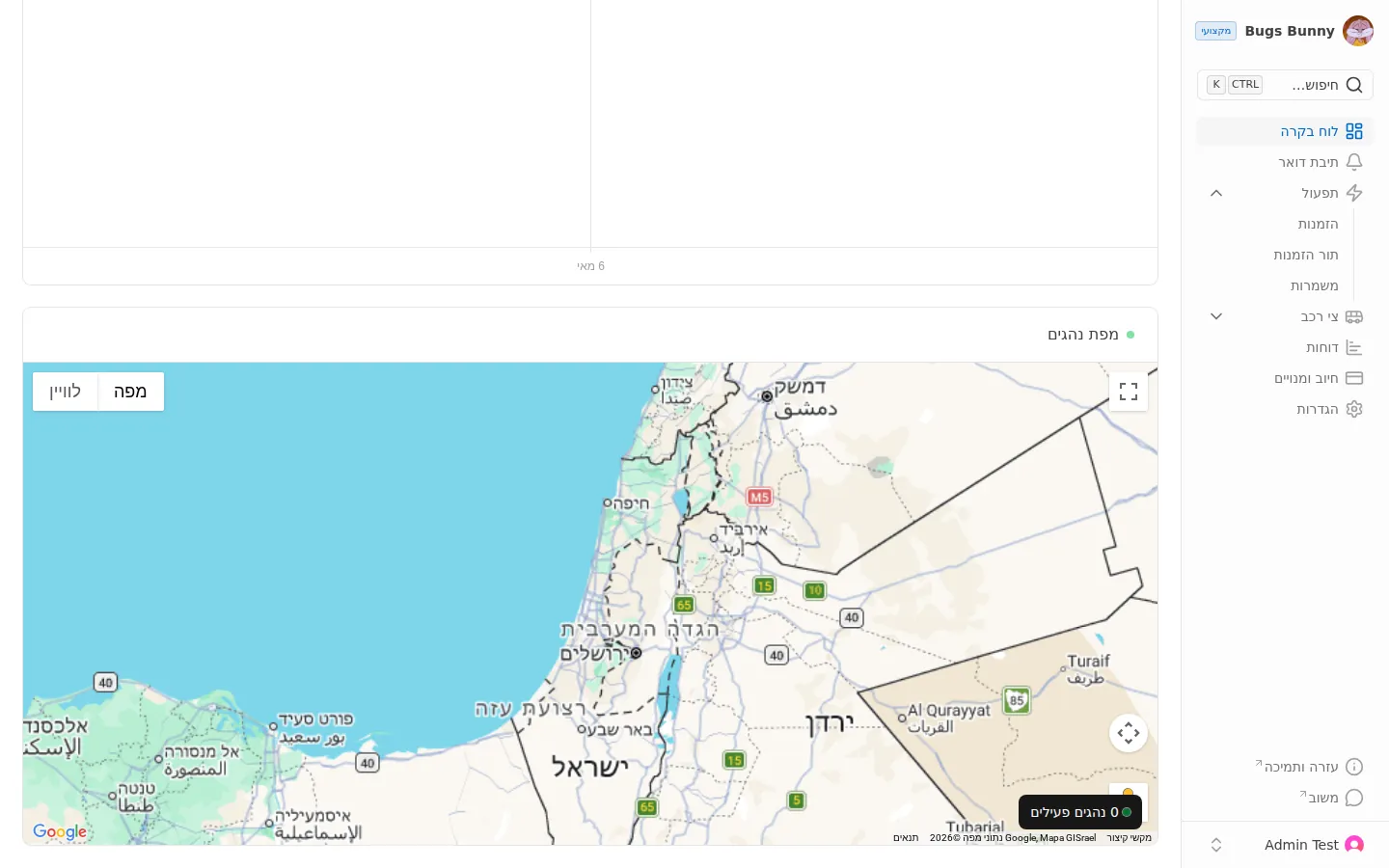
מה רואים
על המפה מוצגים נהגים פעילים:
- כותרת המפה: מיקומי נהגים בזמן אמת
- כפתור נהגים פעילים — הצגה או הסתרה של נהגים פעילים
- התאמה אוטומטית — הפעלה או כיבוי של התמקדות אוטומטית
תדירות עדכון
המיקום מתעדכן כל דקה אחת. סטיות קטנות בתצוגה הן נורמליות — הנתון הקובע הוא המיקום המאומת האחרון.
תור הזמנות
לצפייה בתור ההזמנות הפעילות (לא במפה), היכנסו לתפעול ← תור הזמנות:
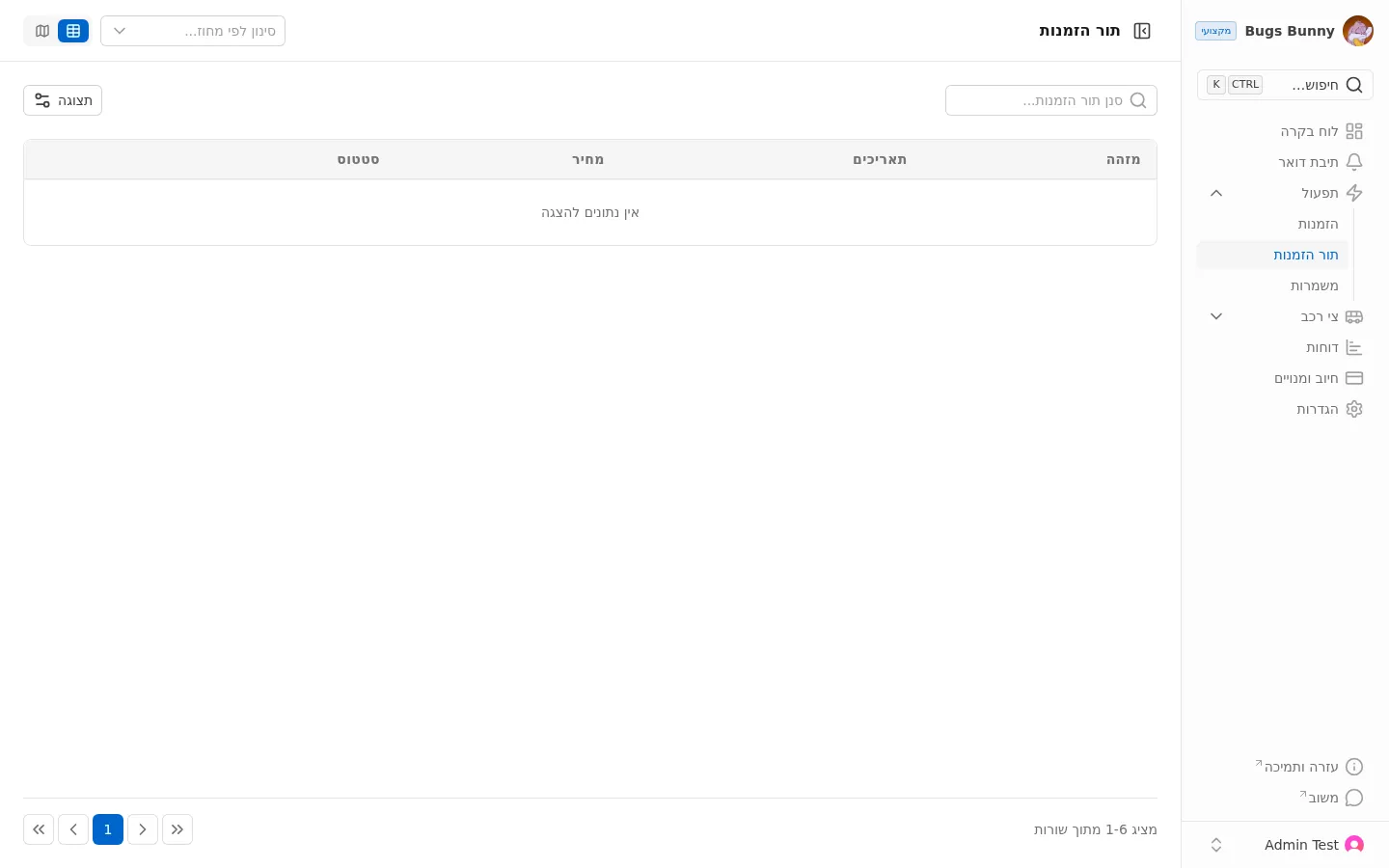
המסך מציג רשימה של הזמנות פעילות עם:
- מזהה — מספר הזמנה
- תאריכים — תאריך
- מחיר — מחיר ההזמנה
- סטטוס — הסטטוס הנוכחי
- סינון לפי אזור — סינון גאוגרפי